

Quick summary
- Auditors get a View-only account, which lets them open any framework, task or requirement but not change anything.
- A View-only account sees the whole workspace, not only the framework being audited.
- There’s no built-in auditor account, so you invite each auditor yourself.
1
Open People and select Add People
Go to People, then Add People.
2
Set permissions to View-only and invite
Enter their email and name, set Permissions to View-only and select Invite.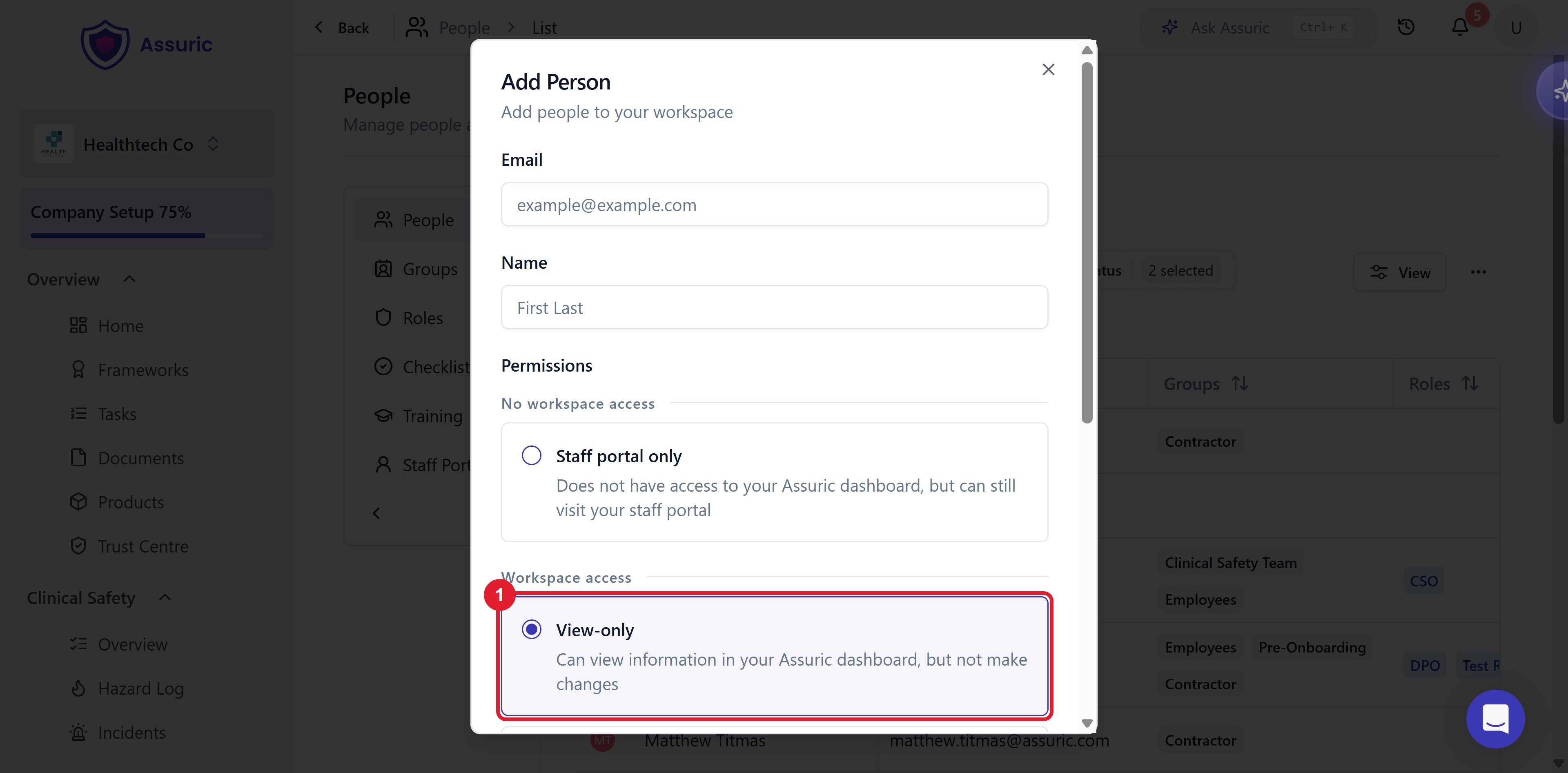
What you see next
Related articles
Audit and review records
What the auditor will be asking for.
Permissions and access (authentication and authorisation)
The View-only level, and what it does and doesn’t unlock.